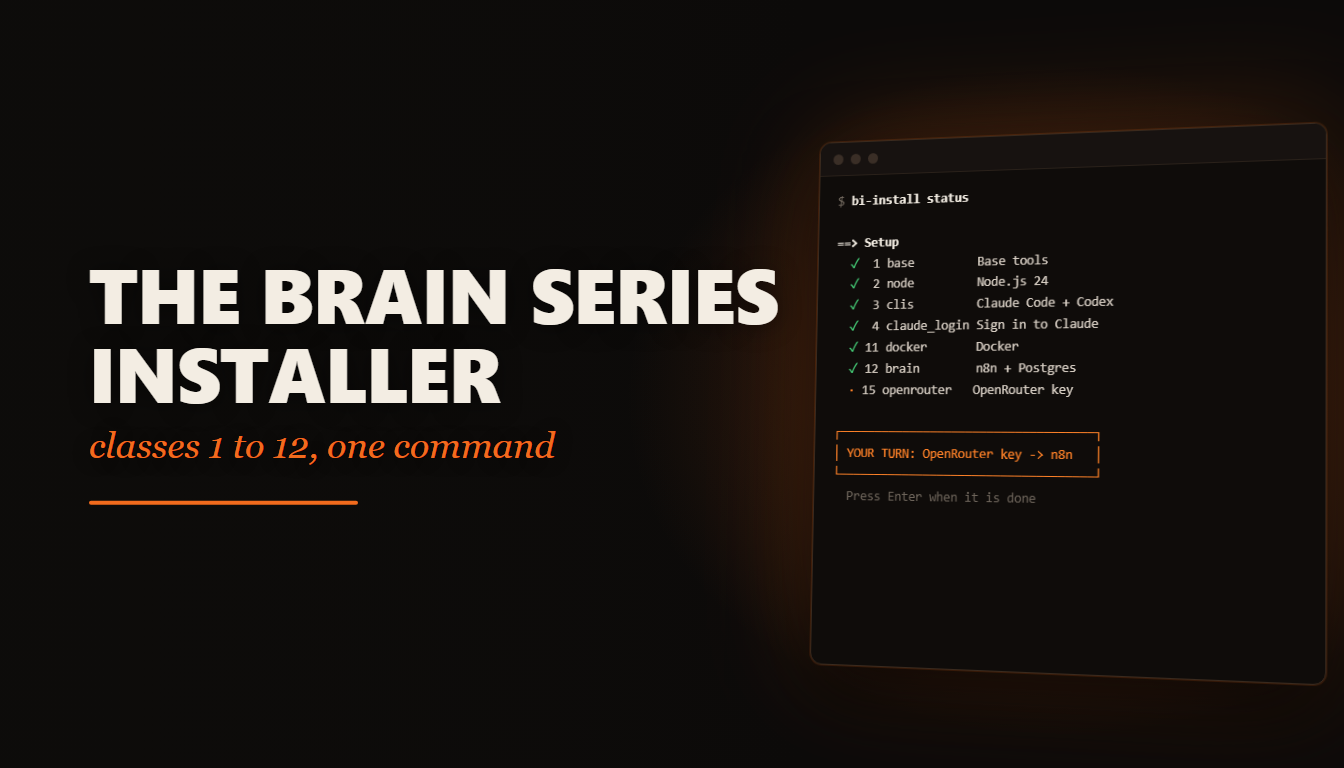
One installer for the whole Business Intelligence series, Classes 1 to 12 plus Content Mate, on a clean Mac, Linux or Windows machine. Started before and skipped a step? Run it again and it finds the gap. Guide in eight languages.
What you build
| Part | What it is | What it does |
|---|---|---|
| Brain | Claude Code + Codex, the skills, Superpowers | Runs every class install and explains each step |
| Memory | A vault + Obsidian MCP, then Postgres | What the agents know, and what the business remembers |
| Nervous system | n8n + Postgres in Docker | Reads your mail, sorts it, and calls the models |
| Ears and voice | Telegram bot + Gemini through OpenRouter | You talk to it and it answers |
| Hands and clock | Scheduled digests, reply drafts, your calendar | Acts at 7am, waits for your approval |
| Eyes and socket | The dashboard, the cockpit, the module host | One place to see and extend the brain |
Where this comes from
The Business Intelligence series, The Brain That Runs a Company, was taught live, one class a week. Each class assumed the one before it was already on your machine. That works if you are there every Wednesday. It does not work if you joined late, switched laptops, or skipped a step in Class 2 and hit the wall in Class 4 without knowing why.
This pack is the whole series as one installer. Hector built it for the AI Automations by Hector community with help from Clara Moretti, his AI assistant.
What you build
The table above is the brain the twelve classes build, organ by organ. The installer does the parts a script can do (Node, Claude Code, Codex, the skills, the vault, Docker, n8n, Postgres) and then runs each class through Claude Code, which reads the class's published install instructions, explains every step, and stops when it needs you.
What it deliberately does not do: it never touches your keys. Every OpenRouter key, Gmail app password and Telegram token goes into n8n in your browser, typed by you. The script only tells you where and how.
Do you need this? Be honest first
You need it if you are starting the series on a clean machine, or if you started and something
is missing and you cannot tell what. Run bi-install status and it shows you, line by line,
what is on the machine and what is not. It checks the machine itself, not a list of what you
remember doing.
You do not need it if all twelve classes already run for you. Keep what you have.
What you need
- The machine. Windows 10 or 11 (it installs WSL and Ubuntu for you), macOS 13 or newer, or Linux (Ubuntu, Debian, Fedora, Arch). 8 GB of RAM minimum, 16 GB comfortable, 30 GB free.
- The accounts. Claude Pro or Max. A ChatGPT account for Codex. OpenRouter with 5 USD of credit; one key runs every model in the series, Gemini included. Gmail with 2-Step Verification on, for the app password. Telegram on your phone for Class 4. Later, only for those classes: a test calendar (Class 7), Twilio (Class 11, paid), Google Cloud (Content Mate).
- The time. About 60 to 90 minutes for Classes 1 and 2, most of it downloads. Then 20 to 60
minutes per class. Stop whenever you like;
bi-installpicks up where you left it.
What is in the zip
bi-brain-installer/
  index.html         the guide: what you need, your command, every key explained, fixes
                     in English, Español, Italiano, Português, हिन्दी, اردو, ไทย, العربية
  bi-install.sh      the installer for Mac, Linux and Ubuntu inside WSL
  windows-start.ps1  Windows: installs WSL + Ubuntu, then starts the installer inside it
  README.md          the short version
What was verified and what was not
Verified on 2026-09-23: the script's status, redo and usage paths ran inside WSL (Debian)
against an empty home folder. The PowerShell starter parses in Windows PowerShell 5.1 and
PowerShell 7. Codex reviewed both scripts for bash 3.2 (the macOS default), WSL, sudo and
Docker-group edge cases, and all eleven findings were fixed. The guide was checked on screen in
English, Hindi, Urdu, Thai and Arabic (right-to-left for the last two), at desktop and phone
width; all eight languages load with every string translated.
Not verified: a full run from a clean machine to Class 12, on any of the three systems. This
is a proof of concept, shipped as is, with no guarantee it works on your machine the first
time. When a step fails, copy the error, paste it into Claude Code and ask it to fix it, then
run bi-install again.
Read the script before you run it
The series teaches one habit above the others: before you run something that installs
software, hand it to Claude and ask what it does. Do that here too.
claude -p "Tell me exactly what this script installs and writes, and whether anything in it is unsafe." < bi-install.sh
The installer does the same for the two class installers it downloads, and asks you first.