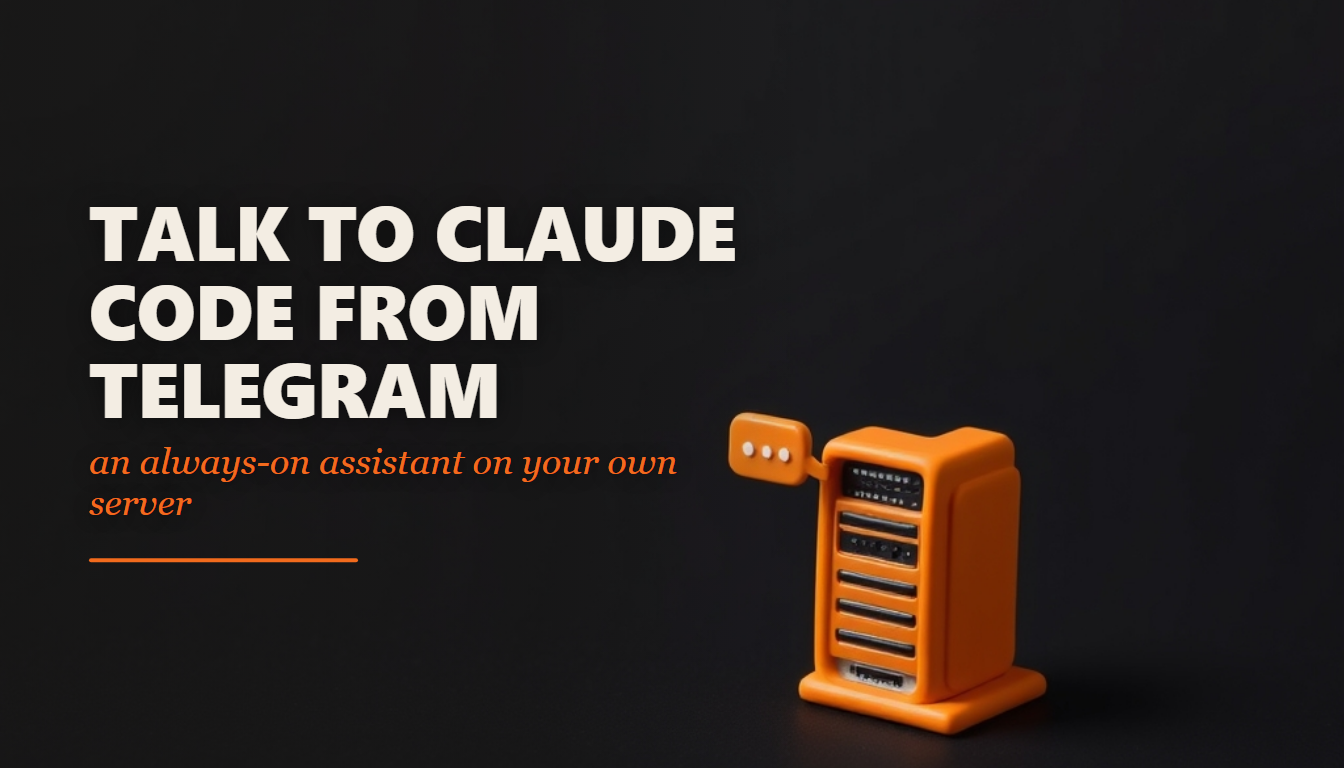
Run Claude Code 24/7 on a Hostinger VPS and message it from Telegram on your phone. It restarts after a crash or reboot and answers only your account. Your local Claude Code acts as the setup agent.
What you build
| Part | What it is | What it does |
|---|---|---|
| Server | Hostinger VPS, Ubuntu 24.04 with Claude Code | Runs Claude Code around the clock, even when your computer is off |
| Channel | The official Telegram plugin and your own bot | Lets Claude read and answer messages sent to your bot |
| Always on | A tmux session, a restart script, a systemd service | Brings Claude back after a crash or a reboot |
| Access | An allowlist on your Telegram account | Only you can talk to the bot |
| Setup agent | Claude Code on your own computer, over SSH | Walks you through each step and runs the server commands for you |
Where this comes from
Anthropic added channels to Claude Code, and the Telegram plugin is the official one. Hostinger sells a VPS template with Claude Code already installed. This pack joins the two and adds the part neither guide covers: keeping it running when something breaks. Sources: Claude Code channels docs and Hostinger's Claude Code VPS template guide. Channels are a research preview, so commands may change. Check those pages if a step looks different.
What you build
You message a Telegram bot from your phone and Claude Code answers from a server you rent. The server stays on when your laptop is closed. If Claude crashes or the server reboots, it starts itself again. Claude's permission prompts arrive in Telegram with approve and deny buttons, so you stay in control from the phone.
It deliberately does not open the bot to anyone else. After pairing, the bot is locked to your Telegram account.
How the pieces fit
The VPS runs Claude Code. The Telegram plugin connects Claude to a bot you create with BotFather. A tmux session keeps Claude alive after you close the console. A small restart script relaunches Claude whenever it exits, and a systemd service starts that script at boot. An SSH key on your own computer lets your local Claude Code reach the server.
The setup-agent idea
The guide is written to be pasted into Claude Code on your own computer. Your local Claude becomes the setup agent. It asks whether you already have a VPS, then goes one step at a time: which window to use, what to click, what you should see. Once it can reach the server over SSH, it runs the server commands itself and shows you each one first.
Some things stay with you: payment details, passwords, login codes and the bot token. The agent never asks for them in chat.
Do you need this? Be honest first
This is for you if you want Claude Code reachable from your phone without leaving a computer on at home. If you only use Claude Code at your desk, close the tab. A terminal is simpler.
Do not use it if you cannot keep the server's root password and SSH key private. The bot can run commands on that server, so the allowlist and those secrets are the whole security story.
What you need
- A Hostinger account and a VPS. KVM 2 (2 vCPU, 8 GB RAM) is plenty. Pick the template "Ubuntu 24.04 with Claude Code" when you order. Hostinger VPS, affiliate link.
- A Claude plan with Claude Code: Pro, Max, Team or Enterprise. On Team or Enterprise, an Owner must switch on Channels in the organization settings, or the bot stays silent with no error.
- Telegram on your phone.
- Claude Code on your computer, for the setup agent.
What is in the pack
- The full setup guide (PDF): the ten steps, the exact commands and files, everyday commands, a fix table and a safety section.
- An overview PDF of how the pieces fit, without the commands.
The commands live in the guide, not on this page, so you read each one before it runs on your server.
What was verified and what was not
The guide ends with a reboot test: you message the bot, reboot the server, and message it again. It is meant to be run before you trust the setup. If the Telegram API check times out, it is usually a temporary Telegram problem: wait 5 to 10 minutes and check again. I have not tested other VPS providers or other operating systems, and channels may change while they are in research preview.
Read the step before you run it
Your setup agent shows each command before it runs it. Read it. Ask the agent what it will change and why. A command costs a minute to check. A wrong change on a server costs an afternoon.
Get the guide
The full guide is for members of AI Automations by Hector, $9/month: join here.
Watch the walkthrough
The full 19-minute walkthrough: https://www.youtube.com/watch?v=lqs19gOYlPw