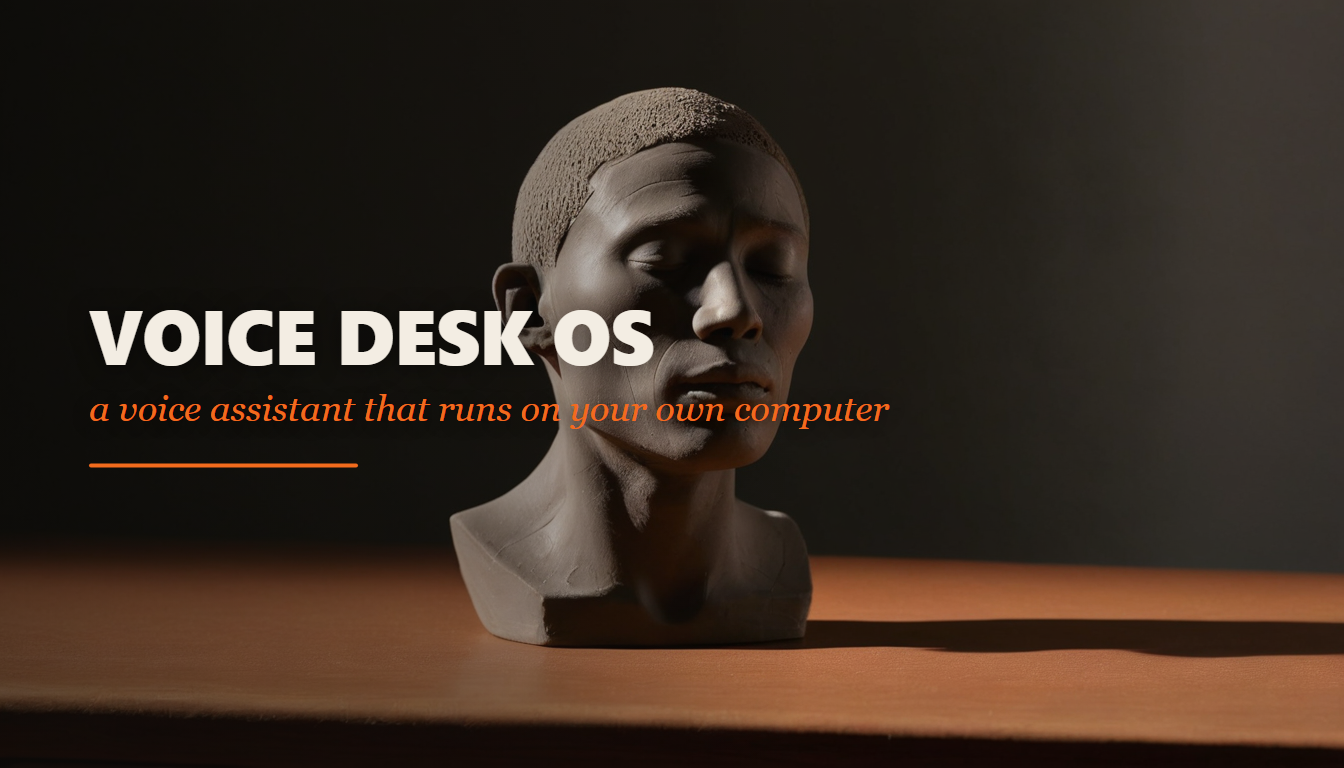
Twenty-two prompts that build a desktop voice assistant with Claude Code: live voice through the free Gemini API, a head rendered in software that lip-syncs to its own speech, skills you add as single files, a memory it can look up, undo, and a confirmation the model cannot forge. No GPU, no server.
What you build
| Part | What it is | What it does |
|---|---|---|
| Voice | The Gemini Live API | Hears you and answers out loud, with transcripts both ways |
| Face | A head drawn with QPainter | Lip-syncs to its own speech and shows what the app is doing |
| Hands | Skills, one Python file each | Files, apps, windows, volume, power, search, drafts |
| Memory | A JSON store with a key index | Keeps every fact and looks up what the prompt could not carry |
| The brakes | An undo stack and a UI-issued gate | Takes back what it can; asks a person before what it cannot |
| Eyes | The HUD, and your phone on the LAN | One screen you can read across the room, and a remote that cannot confirm anything |
Where this comes from
The twenty-two prompts, the principles and the guide in this pack are mine — Hector Diaz, for AI Automation Base. What they rebuild is not.
There is a public, non-commercial project by the developer FatihMakes — a desktop voice assistant with a software-rendered talking head — and it is worth reading. What this pack takes from it is the module map and the problem list: which parts a system like this needs, how they talk to each other, where a person has to stay in the loop, and which engineering problems bite you on the way. The assistant in this pack is called NOVA, the file names are ours, and every one of the twenty-two prompts was written from scratch. None of their code, text, images or names are included.
The reason to build it this way is the same reason I keep building in the open: an app you assembled yourself, one sitting at a time, is an app you can change. This one runs entirely on your own machine, and the only key it needs is free.
What you build
The table above is the shape. What the table cannot say is how it feels: you talk, it answers in a real voice, and a head in the middle of the window closes its lips on the m in "moment". Turn the sound off and you can still tell whether it is listening to you or thinking about what you said, from across the room.
One thing it deliberately does not do: send anything to another human being. It drafts messages into a folder and you press send. There is no code path in it that transmits, and one of the tests exists to keep it that way after everyone has forgotten the decision.
Do you need this? Be honest first
This is the most technical pack in the series. It is Python, PyQt6, threads, audio buffers and a little signal processing, and prompt 14 measures how far the mouth is out of sync in milliseconds. You do not have to be able to write that code — Claude Code writes it — but you should be comfortable reading an error out loud and pasting it back in, twenty-two times.
Close the tab if you want a finished download. There is no application in this pack. There are the prompts that build one.
Stay if you want to understand how an assistant actually works, or if you want a local voice interface on top of something you already own: a workshop machine, a home server, a laptop that has to be operated hands-free.
What you need
- The machine. Any laptop or desktop, Windows, macOS or Linux. No dedicated graphics card: the head is drawn in software on purpose, so it renders the same on a 2013 laptop, a virtual machine and a remote desktop session. A microphone and speakers.
- The accounts. Claude Code, on your own Anthropic access. And a free Google Gemini API key from aistudio.google.com — that is the only key the app requires, and it covers the live voice, the function calling and the text calls. Read the current free-tier limits while you are there; they move.
- The time. Setup is 30 to 45 minutes. Then twenty-two sittings, one prompt each, each ending with something you can see or hear. Several evenings, not one.
What is in the zip
voice-desk-os/
  README.md            the lesson: what you build, the one rule, the accounts, the path
  COSTS.md             every cost with the date it was read
  CREDITS.md           where the shape comes from, and what was and was not verified
  index.html           the clickable guide: copy buttons, a checkbox per step, a progress bar
  assets/cover.png
  paths/               three clean-machine setups: Windows, Mac Apple Silicon, Linux Omarchy
  prompts/             00 to 21 - the product
Prompt 00 is the constitution: six principles, every file name, and the list of things the app is not allowed to become. Every later prompt refers back to it, so the rules survive the session where Claude Code loses context.
What was verified and what was not
Verified, on 2026-09-23: the guide was driven in a real Chromium — platform tabs, the progress bar, checkboxes, progress kept across a reload, and every copy button compared against the prompt files character for character, 25 checks, all passing. Every text file was scanned for keys, private addresses and placeholders. And the prompts were read twice by a second model (Codex), which returned 35 findings and then 27 more after seeing the fixes; all 62 were applied, and what happened to each one is written down inside the pack.
Not verified: nobody has built this app from these prompts. Not the sequence on a fresh machine, not the three setup paths on three fresh machines, not the finished application. The report flags and test names described in the prompts are the design, not a transcript. This is a proof of concept and it says so in its own README.
When something breaks — and something will — paste the whole error into Claude Code and ask it to fix it. That is the method, not a workaround. Then post what broke in the community, and the next person gets a better pack.
Read the prompt before you run it
Hand each prompt to Claude first and ask what it plans to build. Compare that to what the prompt actually asks for. A prompt costs a minute to fix. A wrong build costs an afternoon.